

Screen readers know what is on screen
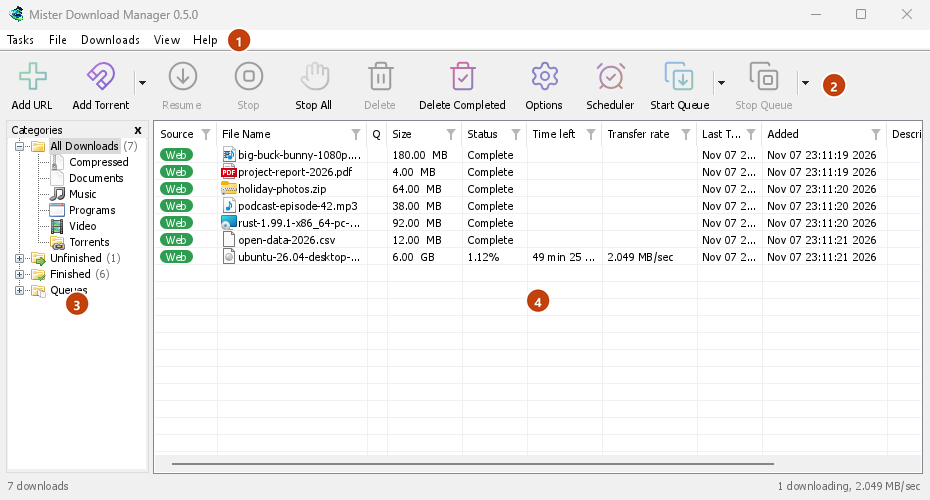
Every window of MDM, its dialogs and menus included, tells a screen reader what each control is, its name and its state. The download list reads each download's name, status and size, so you know what is running and how far it has got without looking.
The help names Windows' screen readers, Narrator and NVDA. If you use a screen reader on Linux or macOS, please tell us how it goes.
No mouse needed
The keys are the ones Windows users already know. Ctrl+N adds a download, Ctrl+F finds one, Enter opens it and Alt+Enter shows its Properties. F10 or Alt opens the menus, and the underlined letters run their items. Shift+F10 or the Menu key opens the selected download's menu. Tab moves between the Categories tree and the list, and the tree answers the arrow keys.
In dialogs, Tab moves between controls, the arrows go through radio groups and tab strips, Ctrl+Tab changes tabs, and typing a name jumps to it in any list or drop-down. Add URL's address and Save As keep a history you can walk with Up and Down, and the Scheduler's calendar works from the keyboard. On a Mac, ⌘ takes the place of Ctrl.
The keys are written down
Every menu shows each command's keys beside it, and Help → Keyboard shortcuts lists them all. The keyboard shortcuts page has the same list, window by window. Focus rings appear when you use the keyboard, and the focus moves on, or comes back, when a button greys itself or Escape closes a drop-down, so Tab never starts over at the top.
Every row, and easier to read
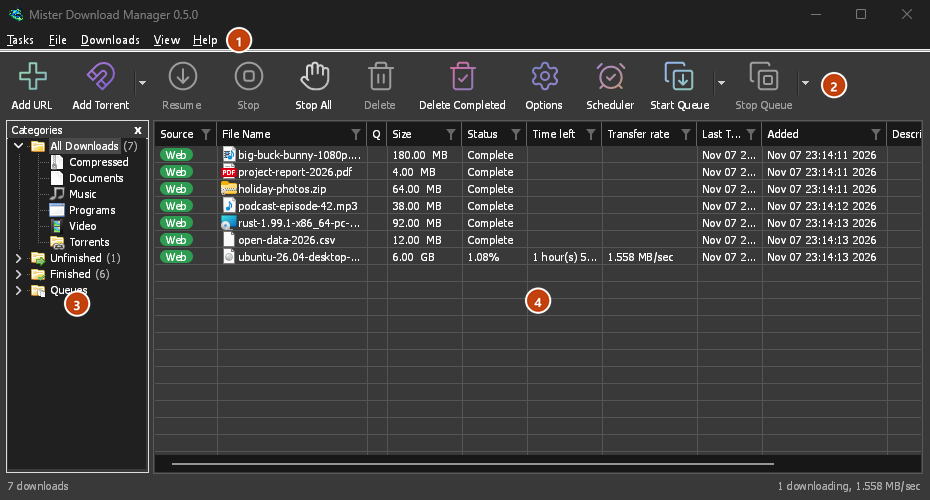
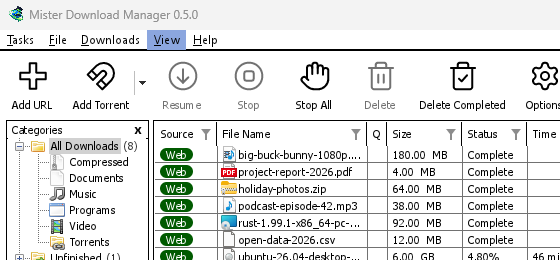
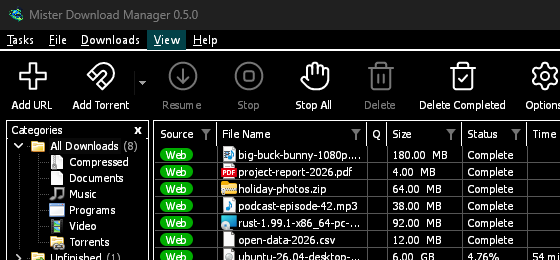
The Categories pane will read as a tree, each category with its count, open or shut, and the menu bar and every right-click menu as menus whose items can be run. Screen readers will reach every row of a list, not only those in view, with its place ("12 of 40"), and lists such as Download video's qualities and Add torrent's files will read with their names and ticks. A window will show its contents the first time a screen reader reads it, and a drop-down's choice can be set by its text. In dark mode, grey notes and error texts will have the 4.5:1 contrast WCAG asks for. View → Theme adds High contrast: black and white, a bright accent, every edge drawn, text at 7:1 or more (see themes). View → Interface size will make every window larger, from 100 % to 200 % on top of the system's display scale, with Ctrl +, Ctrl − and Ctrl 0 in any MDM window, as in a browser; a window larger than the screen scrolls the rest.
Free, open source, no ads, no trial.
Download Mister Download Manager