



Windows
10 and 11- Installer
- setup.exe — connects your browsers
- Portable
- portable.zip — runs from a folder or USB stick
- Needs
- 64-bit Windows 10 or 11, about 100 MB
The free, open-source IDM alternative. Every connection at once, crash-safe resume, torrents and video in one list. Windows 10 and 11; macOS and Linux to try.
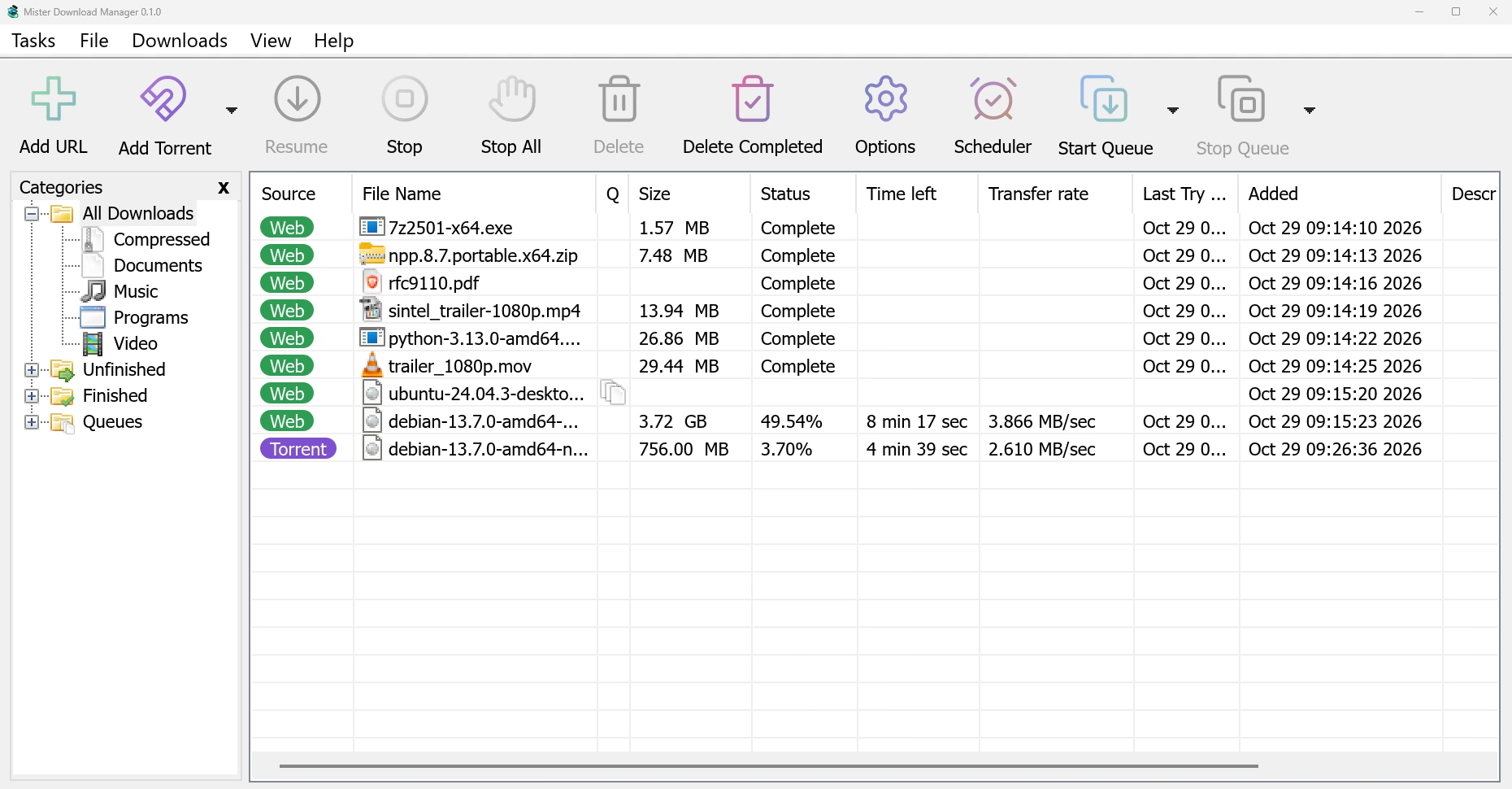
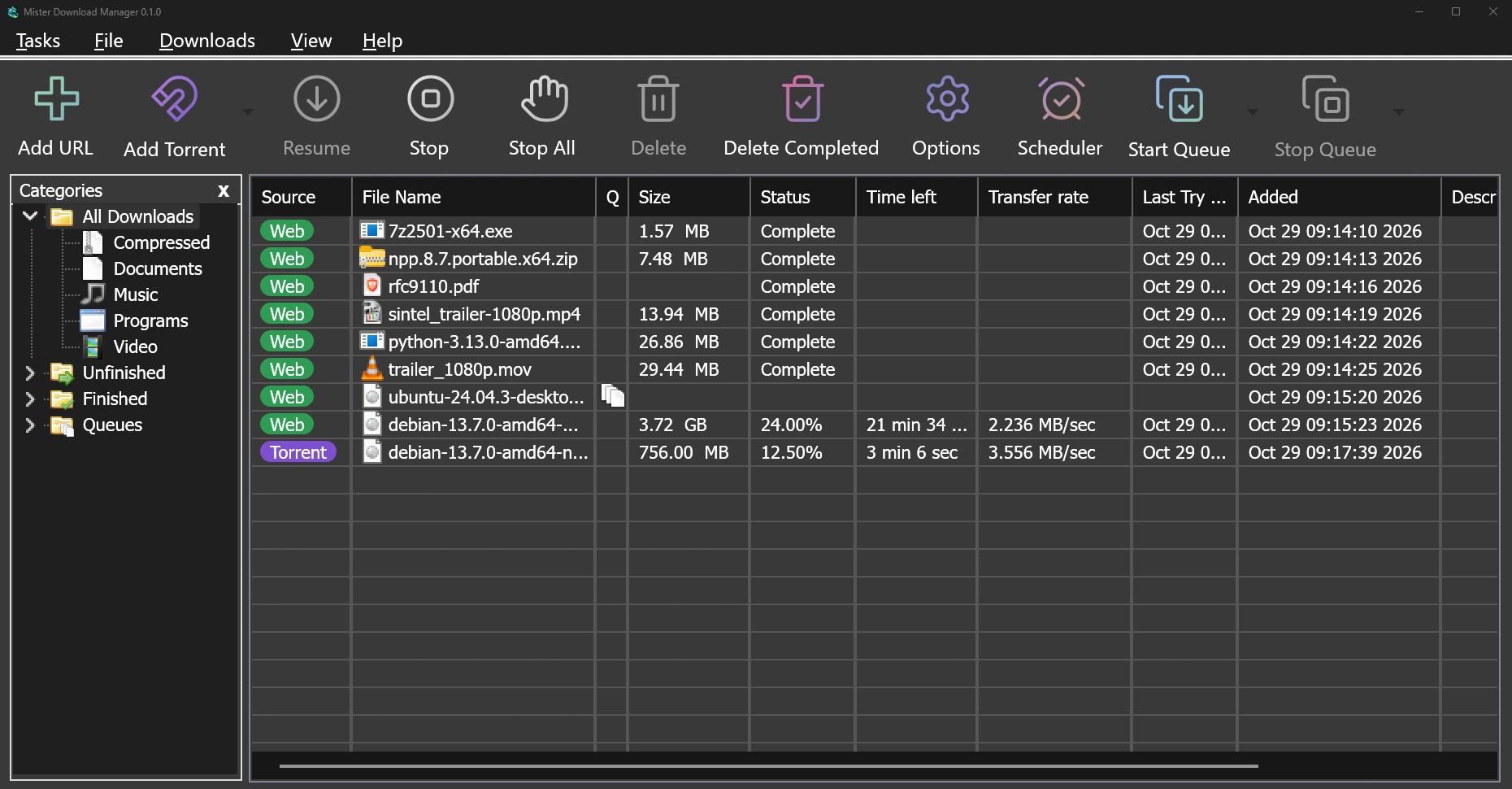
The one you know, down to the pixel. With torrents, video and 86 languages it never had.
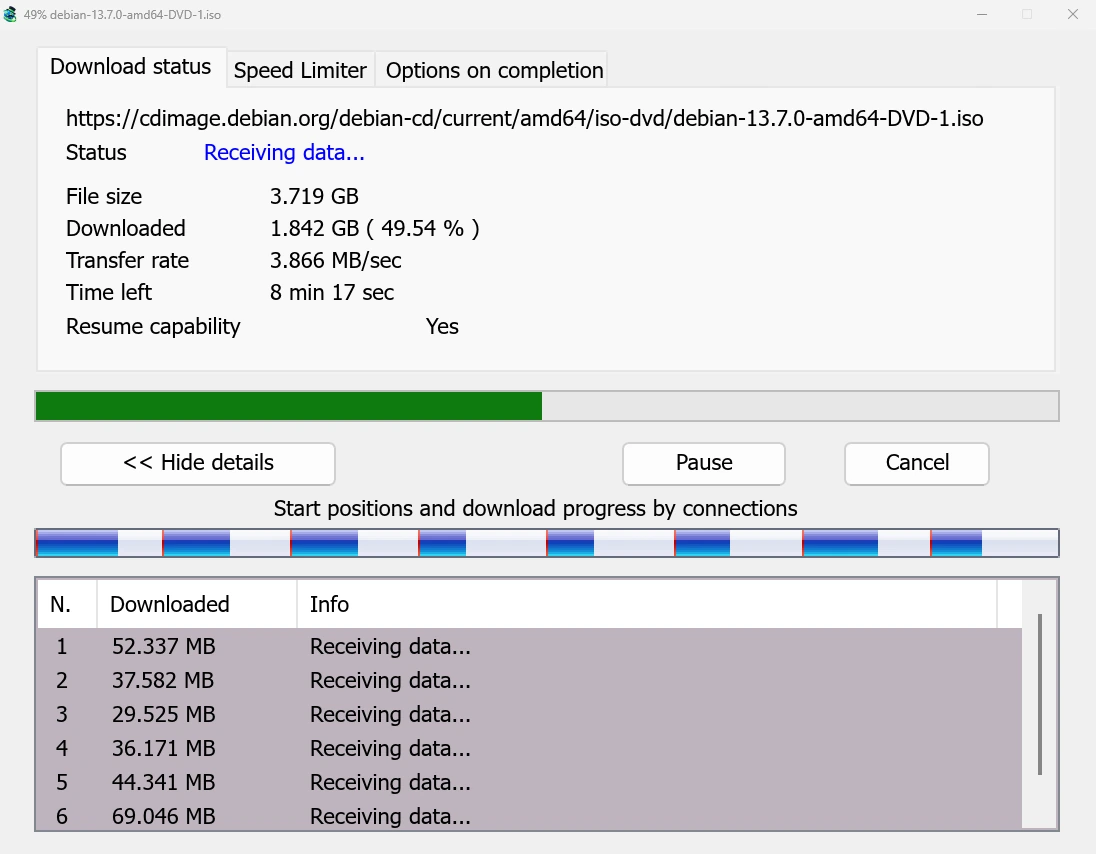
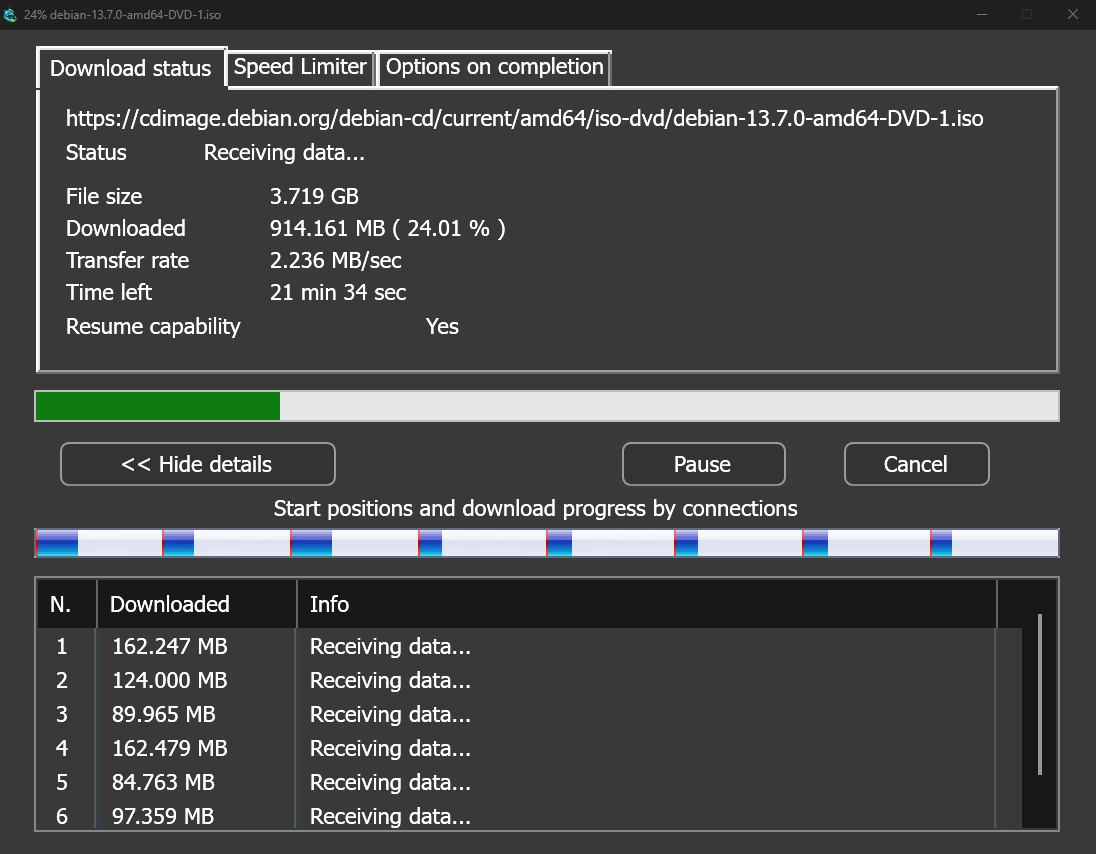
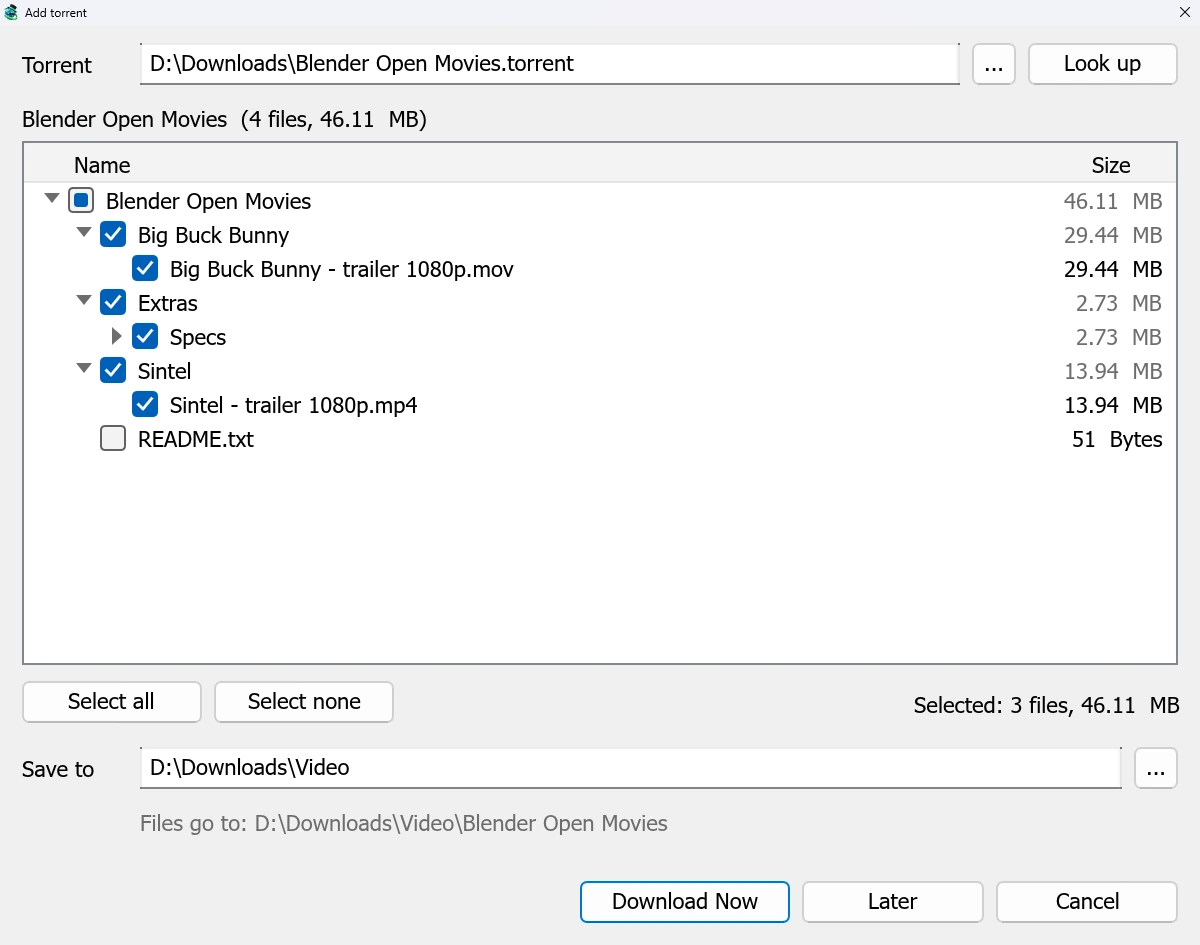
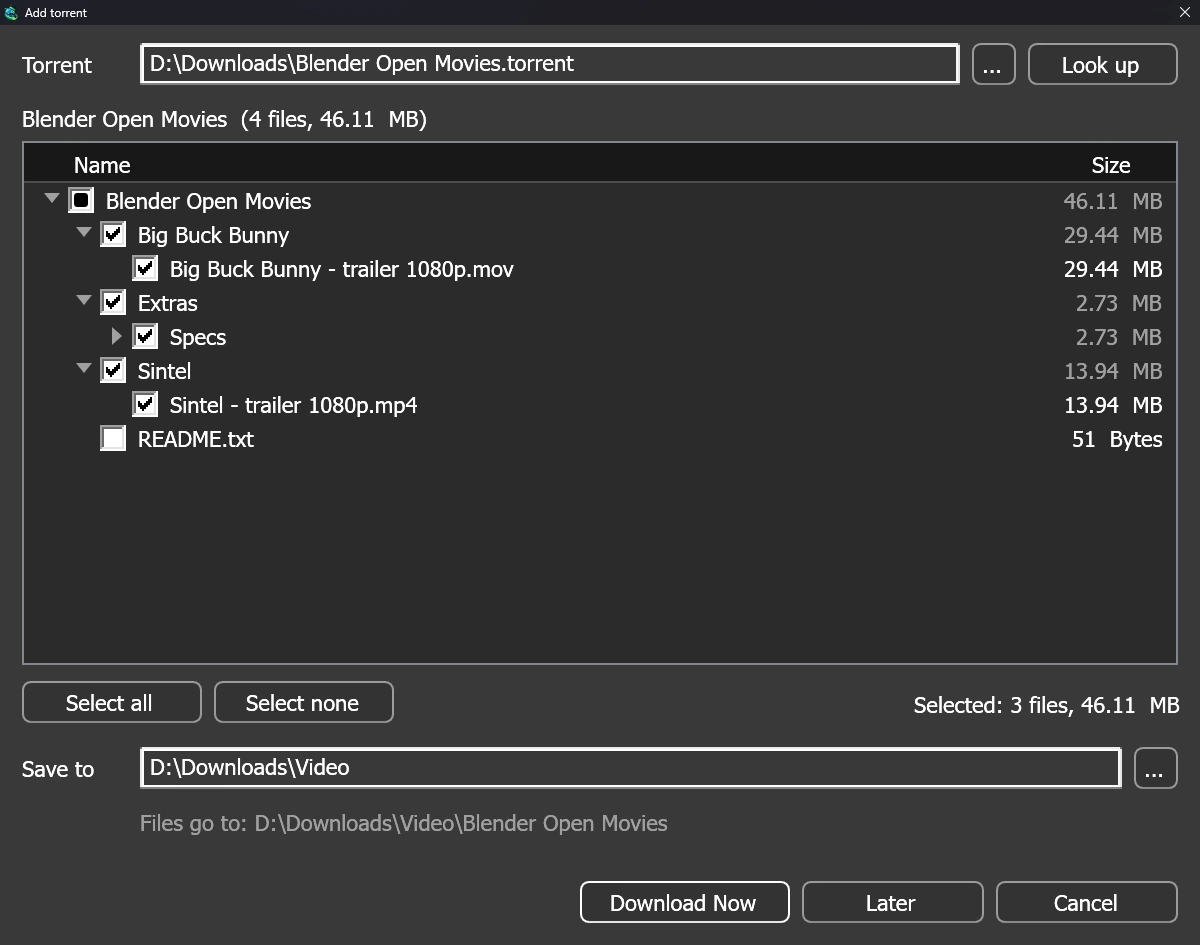
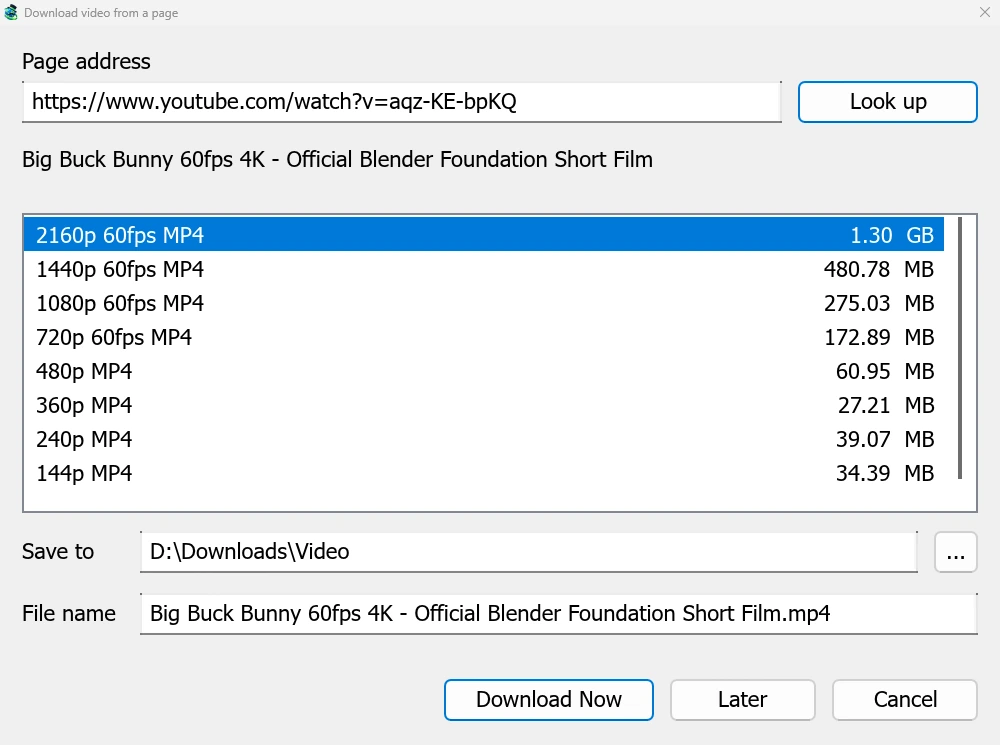
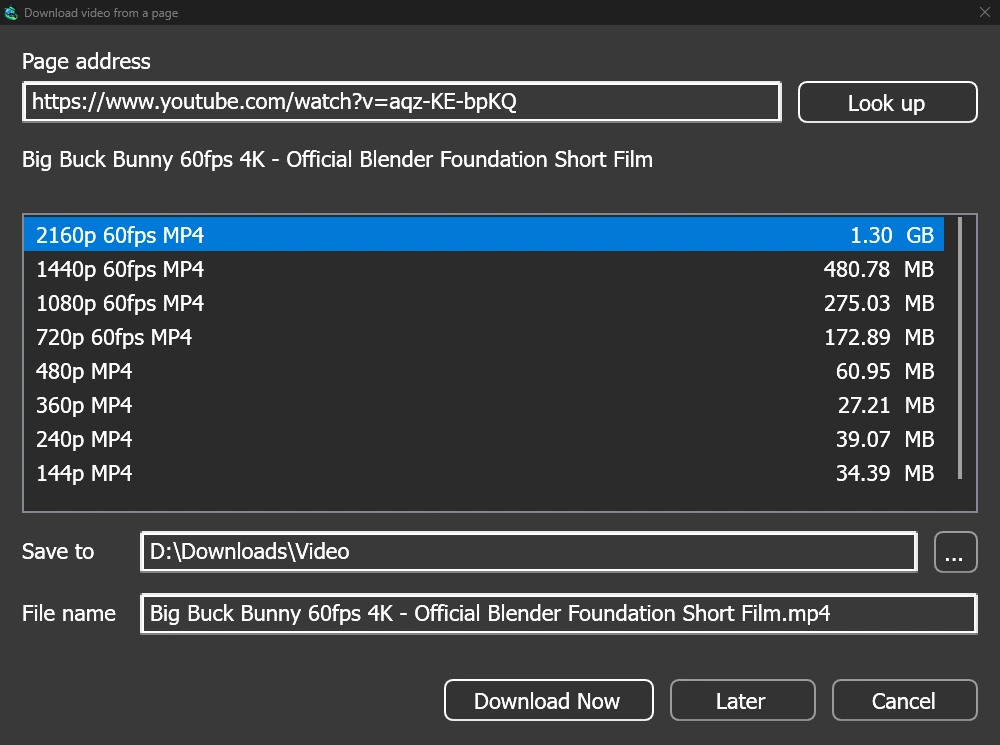
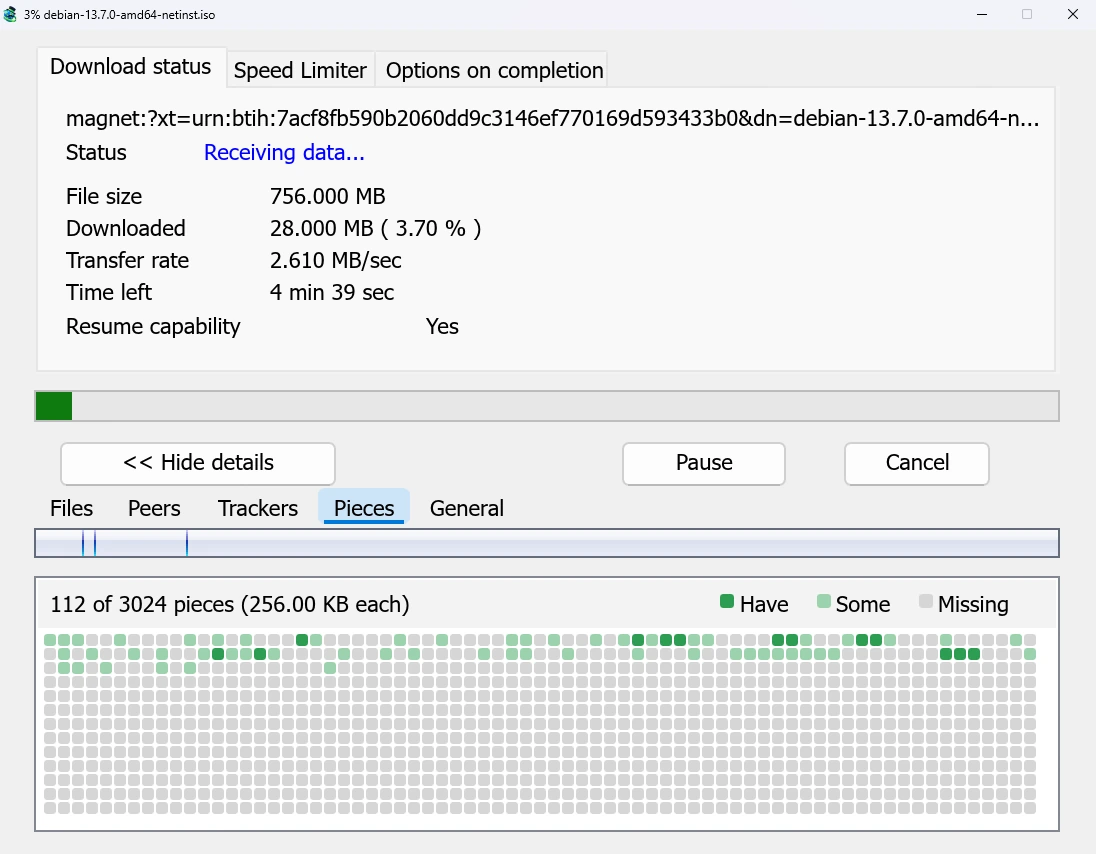
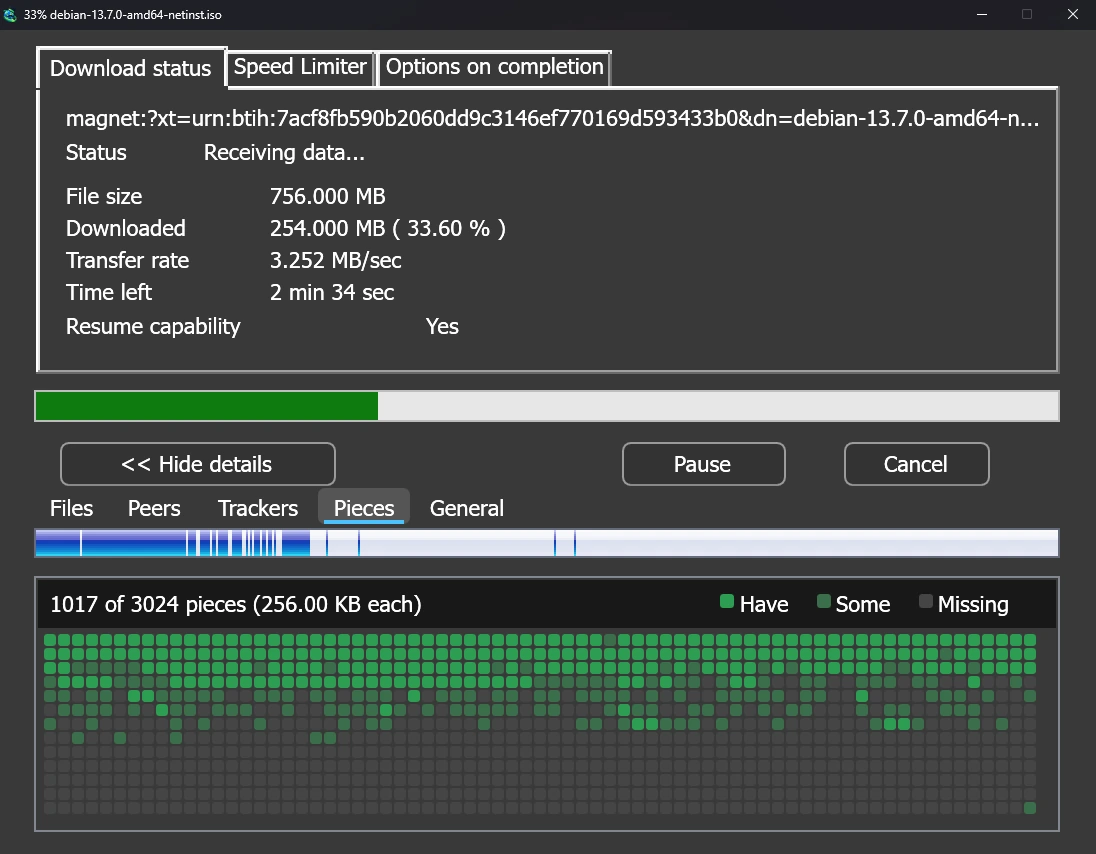
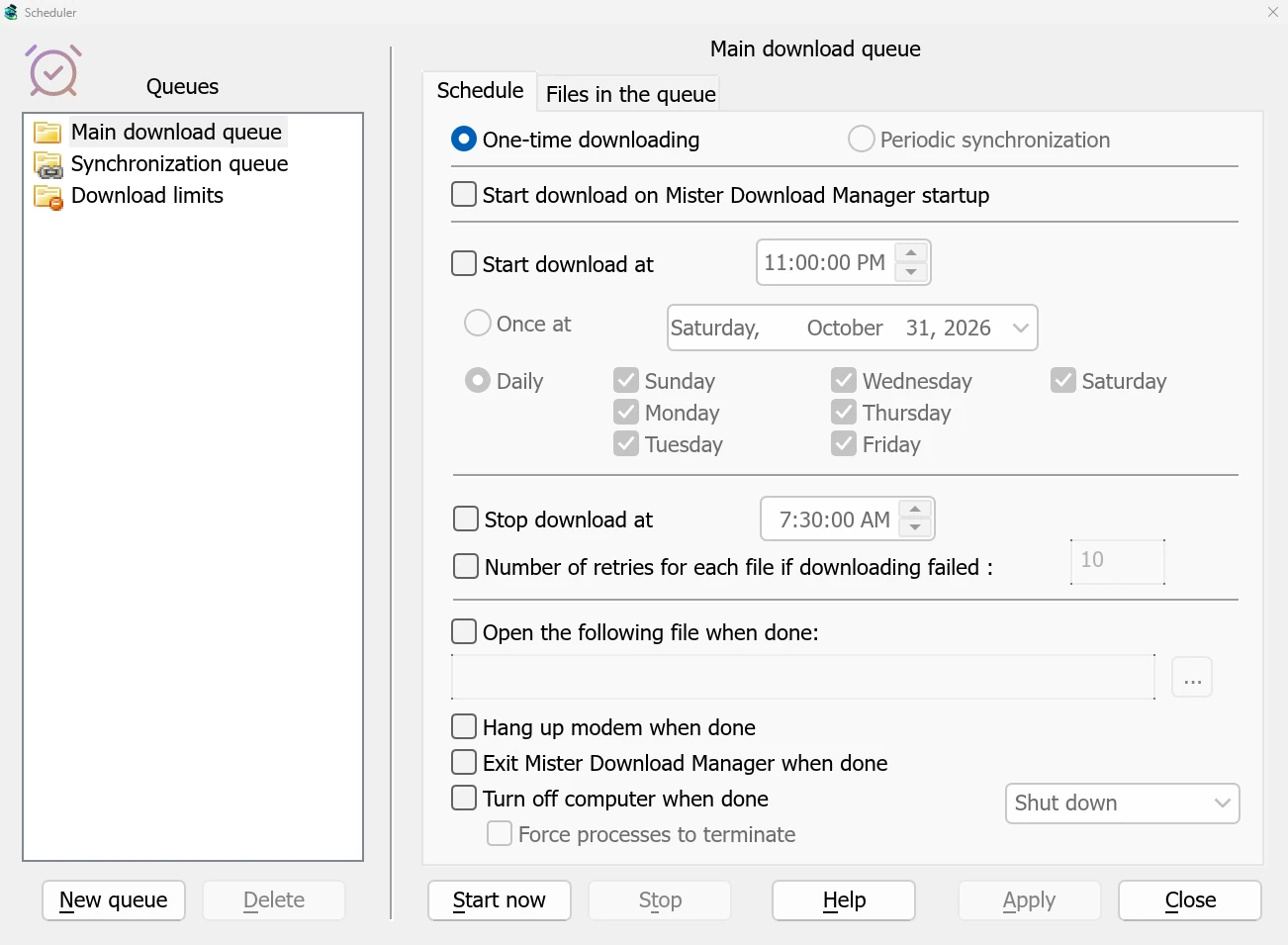
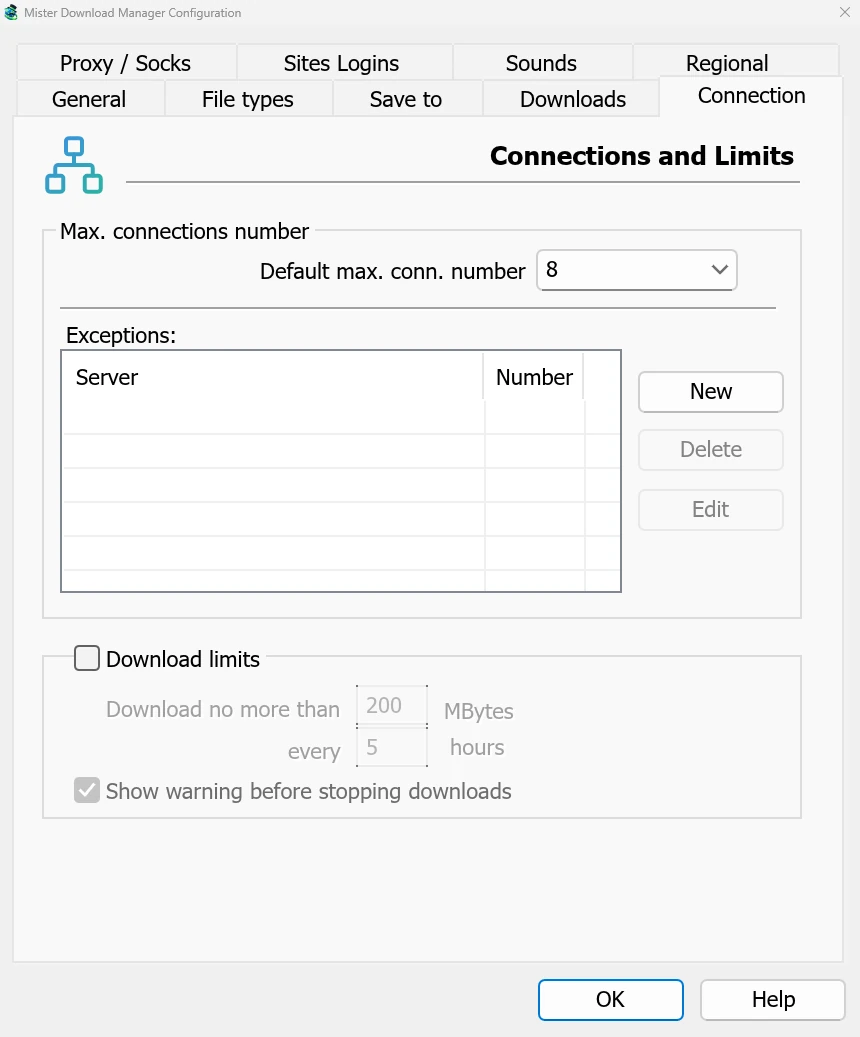
Our benchmark, replayed: the same PC, the same test server, the median of alternating runs.
 Mister Download Manager
Your browsers hand it their downloads, and proven open-source tools do the specialist work. Set up the extension.
 ChromeGoogle
 EdgeMicrosoft
 Brave
Brave Opera
Opera Vivaldi
 FirefoxMozilla · in testing
Report what's broken, ask for what's missing, fix a translation or send a pull request. The maintainer reads every issue.
Found a bug? Help → Report a problem in the app opens an issue with your version, system and language filled in. Read it, then post it.
from Mister Download Manager
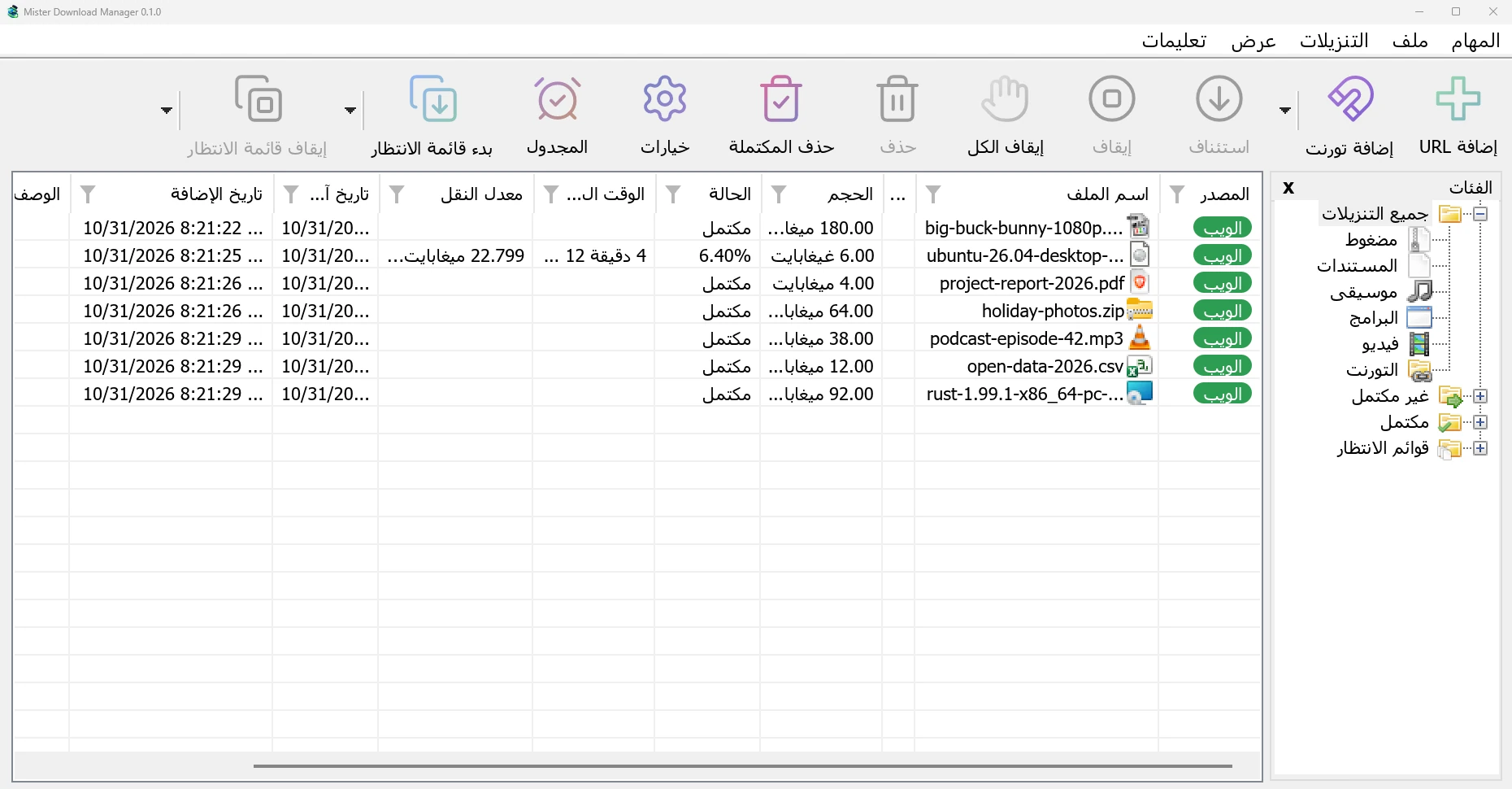
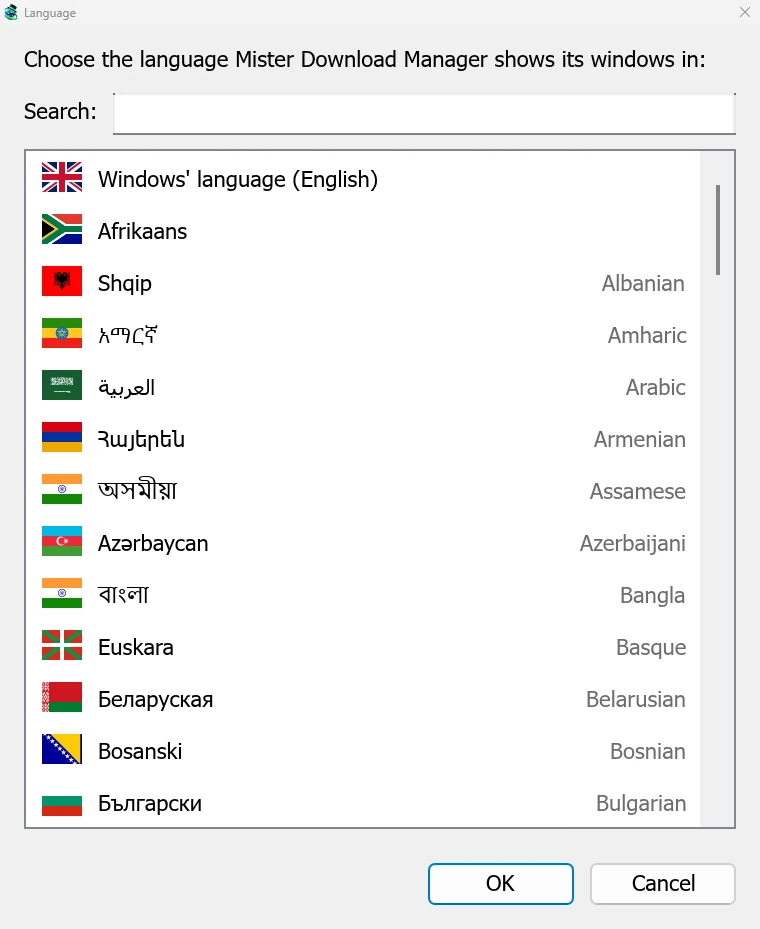
The app comes in 86 languages, every one Windows 11 offers. It follows your computer's language, and you can switch any time in View → Language.
Most translations were made by machine and are waiting for a native speaker. Help with yours.
Free for everyone, forever. No sign-up, no ads, nothing bundled.
The browser extension comes with the app and as its own download for Chrome, Edge, Brave, Opera and Vivaldi and Firefox. Store listings are on the way. Every file is built from the public source by GitHub Actions and listed with its SHA-256 checksum.
It's a desktop app: open this page on your computer to download it.
Mister Download Manager (MDM) is a free, open-source download manager for Windows 10 and 11, with experimental builds for macOS and Linux. It looks and works like Internet Download Manager (IDM), but it is free (GPL-3.0), downloaded a 1 GiB file 5.4 times faster than IDM 6.42 in our published benchmark, and also downloads torrents, magnet links and videos from web pages. A browser extension for Chrome, Edge, Brave, Opera, Vivaldi and Firefox hands downloads to it.
Internet Download Manager is the long-established paid download manager for Windows, and the design we grew up with. Here is what can be checked. Where it's ahead, we say so.
| Mister Download Manager | Internet Download Manager | |
|---|---|---|
| Price | Free | Paid licence after a 30-day free trial1 |
| Source code | Open (GPL-3.0) | Closed |
| 1 GiB over a fast link | 1.0 s | 5.5 s2 |
| A 256 KiB file | 0.03 s | 3.1 s2 |
| Server allowing 2 connections | Uses 2, done in 12.6 s | Opened 480, done in 15.9 s2 |
| Torrents and magnet links | Yes | Not offered on its website3 |
| Video from web pages | Yes, via yt-dlp | Yes, from web players3 |
| FTP and FTPS | Yes | Yes3 |
| Interface languages | 86, built in | About 40, as separate downloads3 |
| Browser extensions | Chrome, Edge, Brave, Opera, Vivaldi; Firefox in testing | Chrome, Firefox, Edge3 |
| Systems | Windows 10/11; macOS and Linux to try | Windows3 |
| Maturity | New | Refined over many years |
Yes. It's open source under the GNU GPL, version 3. No trial, no paid edition, no registration key, no nag screen, no ads. More
No. It's an independent project with no connection to Tonec Inc. It's written from scratch in Rust and contains none of IDM's code or artwork. The layout follows the classic download manager because that's what many people know and like. More
The whole source is public, and every release is built from it on GitHub's servers. No adware, no spyware, no bundled offers. The helpers it downloads for video are verified before they run. More
Yes: export your list from IDM, then choose Tasks → Import → From IDM export file in MDM. More
Chrome, Edge, Brave, Opera and Vivaldi through the extension; Firefox is in testing. Without the extension, copy a link and MDM opens the download window. More
Yes, to try: every release has a .dmg for Apple Silicon and Intel Macs and an AppImage, .deb, .rpm and .tar.gz for Linux, marked experimental while they mature. More
The user guide covers every window, with step-by-step tutorials. Something broken? Open an issue on GitHub, or use Help → Report a problem in the app.
Free and open source. Install it, click a link, and watch every connection at work.