

Your feeds, in one window
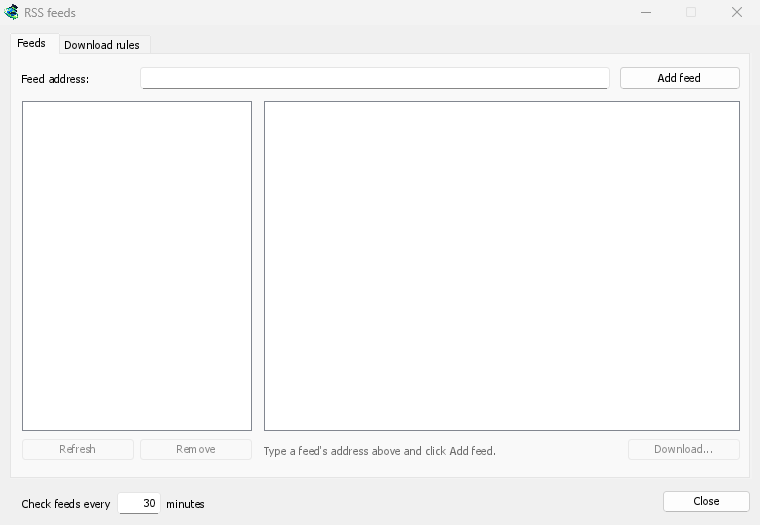
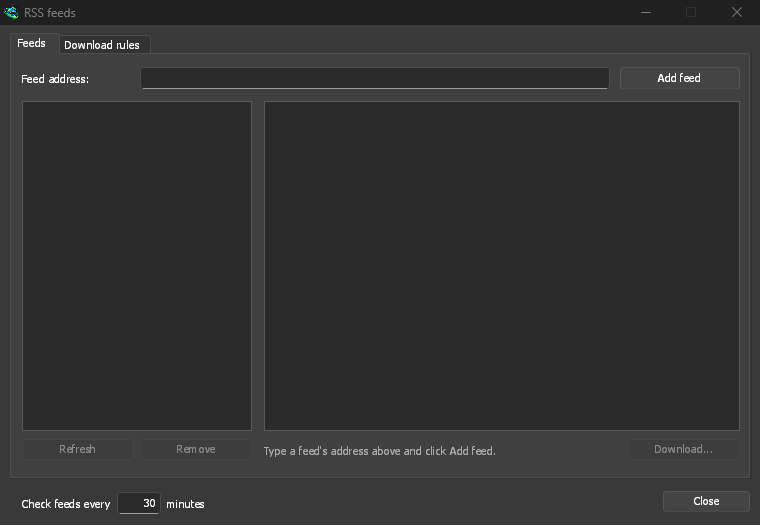
Open Tasks → RSS feeds..., type a feed's address into Feed address and click Add feed. MDM fetches it at once, then every 30 minutes, or as often as you set, down to every 5. Pick a feed to see its articles: one with a torrent shows a torrent icon, and its size when the feed gives it. Double-click an article to open Add torrent with it, as for any torrent.
A feed that can't be read is shown in red, with the reason on the line at the bottom.
Rules that pick for you
On the Download rules tab, a rule adds the torrents of new articles whose titles match it, without asking:
- Must contain: words the title must hold, all of them, in any order.
1080p|2160ptakes either, and*and?are wildcards. - Must not contain: words that make the rule skip an article.
- Regular expressions, for those who want them, in the same two boxes.
- Save to: a folder for the rule's torrents, and Add them without starting them if you'd rather start them yourself.
Each episode once
Episodes reads S01E05 or 1x05 in a title. 1x2 is season 1, episode 2; 1x5-8 is
episodes 5 to 8; 2x1- is everything from season 2 on. A rule takes each episode once: when a
second release of an episode it already added turns up, it is skipped.
No surprise backlog
Rules look only at articles that are new since the feed was last fetched, and a feed's first fetch only lists what is there. Adding a feed or a rule never downloads its whole history. Matches ... articles now shows which articles the rule would take, so you can check it and download those by hand.
A torrent the list already has isn't added again, and MDM never writes into files it didn't make without asking. The window is made for feeds of torrents: an article opens in Add torrent, and a rule adds torrents.
Free, open source, no ads, no trial.
Download Mister Download Manager